
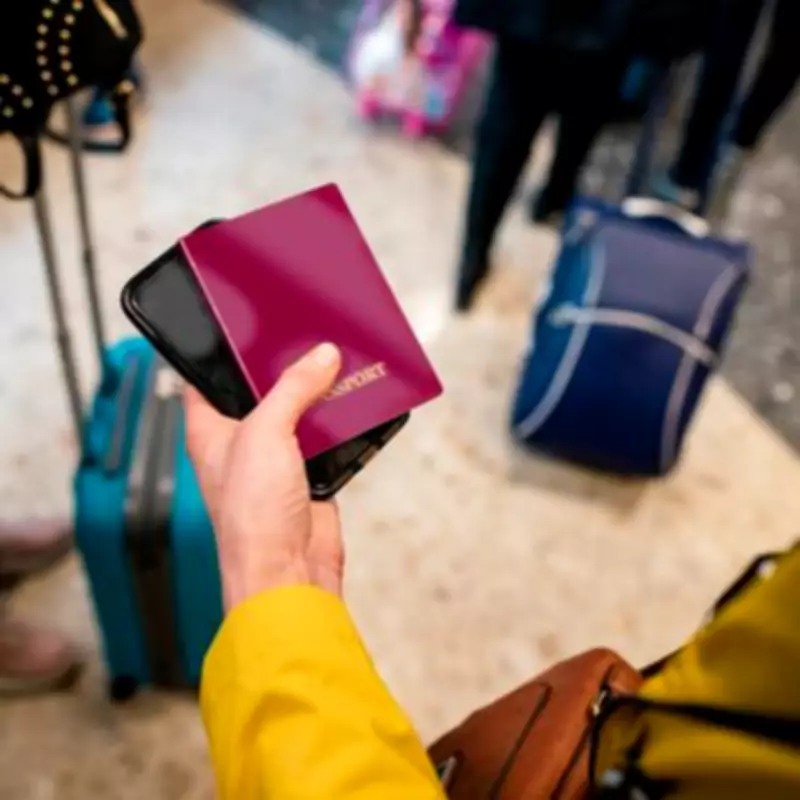
UK Passport Price Hike: Three Simple Steps to Save Up to £25
Millions of British travellers can secure significant savings on their next UK passport by following a few straightforward steps, potentially reducing the overall cost by as much as £25. This advice comes as a rule change takes effect this month, leading to higher fees for passport applications starting next week.
Imminent Price Increases
As of April 1, 2026, the cost of a UK passport application begins at £61.50 for children and £94.50 for adults. However, these prices are set to climb within days, rising from Wednesday, April 8. From next week, adults will pay over £100 for a standard document, while children's passports will exceed £65.
Martin Lewis' MoneySavingExpert website has published a comprehensive guide outlining three key steps to minimise passport costs. At the time of writing, applying online via GOV.UK is £12.50 cheaper than using a paper form, which is priced at £107.

Three Money-Saving Strategies
1. Apply Online Before the Deadline
Once the price increases start on April 8, the online application fee of £102 will be £13.50 less than the new paper form price of £115.50. Those whose passports are nearing expiry should consider renewing before the price rise takes effect. Adult passports are valid for 10 years, meaning the cost won't need to be revisited until 2036.
2. Opt for Digital Applications
The second money-saving tip from MSE is to choose the digital route wherever possible. While both methods typically take around three weeks to process, the savings are immediate. Though £12 to £13 may seem modest, for a family renewing passports simultaneously, the savings can accumulate significantly.
Two adults applying for standard passports at the same time could save £26, and the savings for two children add up to £25. This means a typical family of four would save over £50 by applying online compared to the paper version.
3. Take Your Own Passport Photo
The third option for reducing costs is to complete the process online yourself and take your own ID photo. Meeting the required criteria doesn't require a professional setup, and in most cases, this step comes at no cost.
The MSE website explains: "If it's been a while since you last applied for a passport, you may be surprised to learn that you can now take your passport photo yourself at home and upload it directly into your online application. This means you don't need to shell out for photos taken at high-street shops or photo booths, which can typically cost between £5 and £13."
Additional Considerations
If your current passport has fewer than 10 months remaining, it may be worth renewing. However, be aware that if you renew before your passport expires, any remaining time on it will not be carried over to the expiry date of the new one.
For those who find digital services challenging to navigate, the Post Office's 'Check & Send' service offers an alternative. This service allows people to pay the digital price while receiving assistance with the technical aspects of the application process.
The Post Office provides a service costing £16, plus passport fees, helping customers complete the digital application in branch, take a photo in line with HM Passport Office guidelines, and have supporting documents checked to ensure all requirements are met. A member of staff will then electronically submit the application on your behalf.
From April 1, 2026, the Post Office 'Check and Send' Digital service will cost £110.50 for adults and £77.50 for children.

How to Ensure Your Photo Gets Approved
- You can use your smartphone – just make sure the photo is clear, in focus, and in colour. There's no need to use a fancy camera.
- Take it against a plain, light background. The photo should include your head, shoulders, and upper body, with no other people or objects in the frame.
- Avoid editing or altering it. It will be cropped during the application process, so there's no need to do it yourself.