
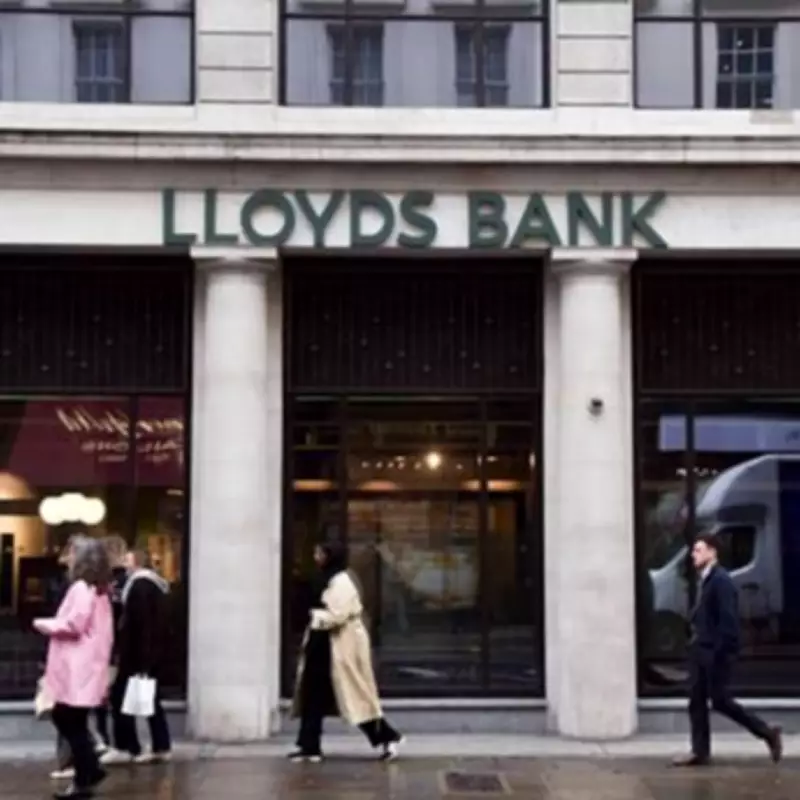
Lloyds Bank Addresses Customer Concerns Over Failed Payments
Lloyds Bank has issued a detailed update to its customers regarding concerns about "failed payments," following a specific inquiry from a customer on social media platform X. The customer had asked how to check the daily limit on payments from their debit card, expressing worry about a planned transaction exceeding £3,000.
The bank, which operates multiple branches in Birmingham, responded reassuringly: "Debit card payments can usually go up to £20,000 a day, so £3,000 should be fine. If you'd like us to confirm your exact limit, just message us in the mobile banking app." This clarification aims to alleviate fears among account holders who might be uncertain about their spending capabilities.
Understanding Daily Payment Limits
Lloyds Bank has emphasized that all accounts have daily limits on the amount of money that can be sent. These limits are specific to each individual account and automatically reset at 11:59 PM every day. It is crucial for customers to be aware of these caps to avoid unexpected payment failures, especially for larger transactions.

Importantly, the bank noted that certain types of payments do not count toward this daily limit. These exceptions include transfers between your own Lloyds Bank accounts, cheque payments, direct debits, and CHAPS (Clearing House Automated Payment System) payments. This distinction helps customers plan their finances more effectively without unnecessary restrictions.
How to Check and Manage Your Payment Limit
For customers using the Lloyds Bank mobile app, the process to view and adjust payment limits is straightforward:
- Select the 'More' menu from your account homepage.
- Choose 'Payments and transfers' from the options.
- Tap on 'Choose who to pay'.
- Select the account you wish to pay from the provided list.
- Click on 'Manage payment limit'.
From there, you can see how much you have available to transfer and manage your payment limit by selecting ‘Change daily limit’. This allows you to set a custom limit that suits your needs, up to the maximum product limit set by the bank.
Alternatively, you can access the same feature by selecting the 'Manage payment limit' option from the three-dot menu associated with your account within the app.
Online Banking Instructions
For those who prefer online banking through a web browser, Lloyds Bank provides similar functionality:
- Log into your account and select 'Payment and transfers'.
- Choose the account or recipient you intend to pay.
- Select the account you’d like to pay from the list.
- Click on 'Manage payment limit'.
Once again, you can view your available transfer amount and adjust your daily limit by selecting ‘Change daily limit’. This ensures flexibility, allowing you to tailor the limit to your financial requirements while staying within the bank's predefined maximums.
This proactive communication from Lloyds Bank highlights their commitment to customer support and transparency in banking operations. By providing clear, step-by-step guidance, the bank aims to empower customers to manage their payments confidently and avoid disruptions due to limit-related issues.